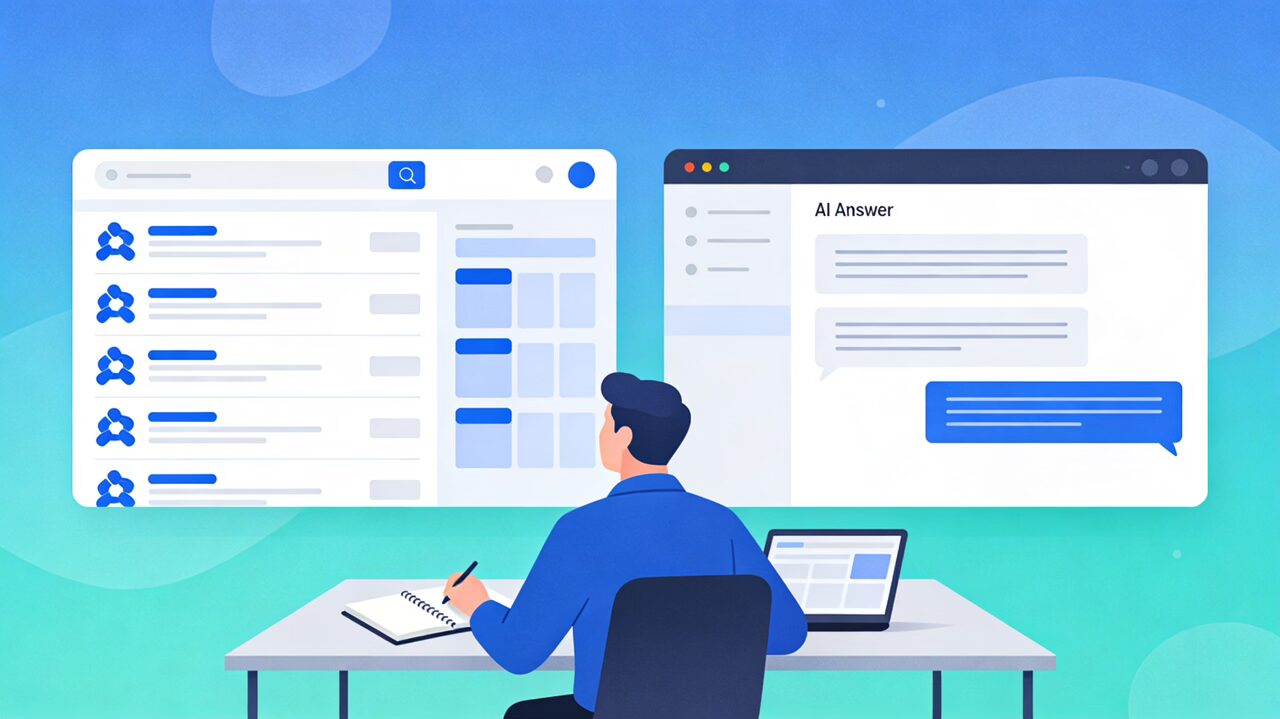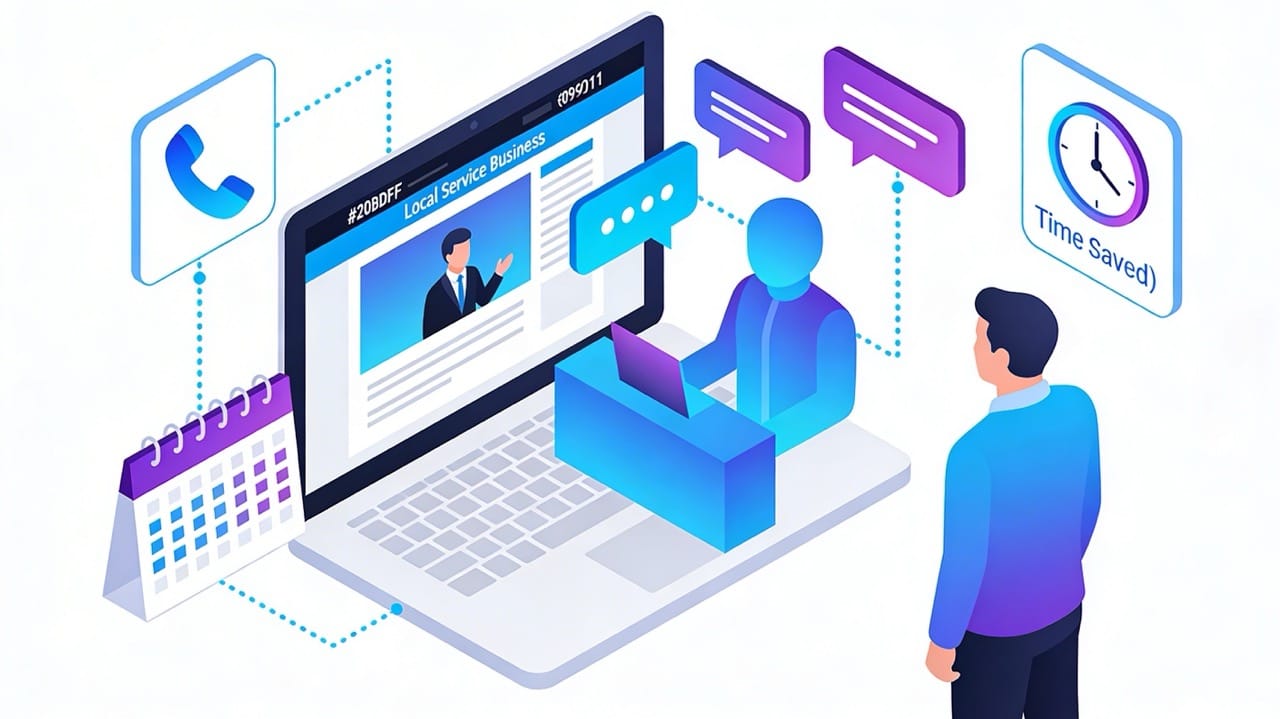
Most small business websites work like digital brochures.
They look fine, but they don’t reliably capture, qualify, and follow up with leads — and they definitely don’t save the owner any time.
AI agents change that.
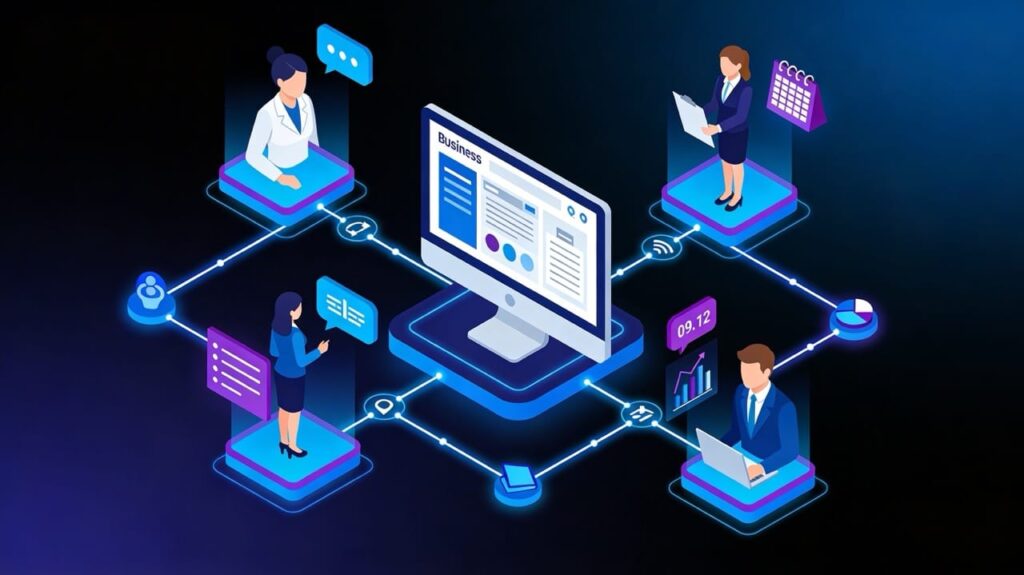
They sit behind your website, funnels, and forms, quietly acting like a receptionist, sales assistant, support rep, and project manager that never sleeps.
Quick answer: how AI agents automate small‑business websites
AI agents are software assistants that plug into your website, funnels, and tools to handle repetitive work that used to require a person.
They answer questions, qualify visitors, book appointments, follow up, and keep your CRM, calendar, and inbox in sync — automatically, in real time.
Here are the core ways small businesses use AI agents to automate websites:
- Answer common questions on your site 24/7, so fewer people call “just to ask.”
- Act as a digital receptionist: greet visitors, capture details, and route them to the right service.
- Qualify leads and hand warm opportunities straight to the business owner or sales rep.
- Book and reschedule appointments directly from the website, with reminders and confirmations.
- Work as a sales assistant: suggest the right service or product, based on what visitors do on your pages.
- Handle routine support (order status, basic issues) before a human ever needs to get involved.
- Summarize every interaction into notes and tasks in your CRM or project tool.
Key realization: Your website can be more than a brochure.
It can behave like trained staff — if you wire it correctly.
Quick next step: If your site already gets leads but follow‑up is slow, consider a free AI Website Audit to see where agents could plug into your existing forms and funnels.
What AI agents are (in plain English)
Think of an AI agent as a digital team member that:
- Knows your services, pricing ranges, policies, and FAQs.
- Can read and write to your website, CRM, calendar, and support tools.
- Follows clear rules about what to do in different situations.
On your website, that might look like:
- A chat widget that doesn’t just chat — it books visits, collects project details, and pushes them into your CRM automatically.
- A smart lead form that asks different questions based on how someone found you or what they clicked.
- A behind‑the‑scenes assistant that summarizes what happened on the site today and sends you a short briefing.
Instead of hard‑coding every rule, you give the agent access to your content and tools, set guardrails, and let it make decisions inside those limits.
How AI agents differ from traditional chatbots
Older chatbots were “choose‑your‑own‑adventure” flows.
If the customer asked something unexpected, the bot broke.
Modern agents:
- Understand natural language instead of just button clicks.
- Use your website, documents, and CRM data to answer accurately.
- Can take actions — schedule a call, create a ticket, add a tag — not just reply.
For a small business, this means you can offload large chunks of receptionist, sales, and support work to your website experience instead of hiring more staff.
Why website automation matters for small businesses
If you run a small business, you probably know this pattern:
- Leads arrive at random times.
- You’re in the field, with clients, or already booked.
- By the time you respond, the “hot” lead has gone cold or booked elsewhere.
Your website is usually the first touchpoint, but it’s not acting like your best employee.
It just collects forms, then waits for you.
When you add AI agents to the website and funnels:
- Visitors get instant, helpful responses — whether it’s 10 a.m. or 10 p.m.
- The right leads are captured, qualified, and routed before you even open your inbox.
- Many routine questions never hit your phone or email at all.
You get more value from the traffic you already have, without needing a bigger team.
Signs your website is ready for AI agents
You don’t need to be “big” or “techy” for this to make sense.
You’re ready if you recognize yourself in a few of these:
- You get inquiries daily or weekly, but often reply hours later.
- Your staff answers the same 10–20 questions over and over.
- You juggle multiple tools (website, CRM, email, calendar) manually.
- You run ads or SEO, but you’re not sure which leads actually turn into revenue.
- Your site has traffic, but most visitors don’t become leads or bookings.
- You or your team are drowning in admin instead of client work.
If you checked off several of these, your website is a strong candidate for automation.
Core website tasks AI agents can automate
Lead capture, routing, and qualification
On most sites, a “Contact Us” form dumps everything into one inbox.
An AI agent can turn that into a smart receptionist.
Example:
A home‑services company’s website asks:
- What type of job is this?
- When are you hoping to schedule?
- What’s your address or area?
The agent then:
- Flags high‑value jobs (e.g., full remodel, urgent repair) and pings the owner directly.
- Routes routine jobs to a shared inbox with notes and context.
- Tags spam or low‑intent inquiries so your team doesn’t waste time.
Over time, you can adjust the questions and scoring rules to focus the owner’s attention where it matters most.
How this replaces a receptionist
Instead of a human receptionist manually sorting and rewriting every message:
- The website agent asks the right questions on the first contact.
- It organizes the information cleanly in your CRM or pipeline.
- It can send polite, branded responses immediately (“We’ve got your request, here’s what happens next”).
24/7 customer support and FAQs
Many small businesses get buried under repetitive questions:
- “Do you take my insurance?”
- “What’s your turnaround time?”
- “Do you serve my area?”
- “What’s your return policy?”
A support agent embedded on your site can:
- Answer these instantly, based on your service pages, FAQ page, and policies.
- Guide people to the right resources or booking links.
- Recognize when a question is complex and hand the conversation to a human.
How this replaces a support rep
Instead of paying staff to respond 1:1 to basic questions:
- The agent handles the first line of support for chat and contact forms.
- Your team only steps in when the question is unusual or high‑stakes.
- Common questions become self‑service, available right on the website.
Booking, reminders, and rescheduling
If your business runs on appointments — clinics, salons, coaching, trades — missed calls and back‑and‑forth scheduling eat your day.
A booking agent tied into your website and calendar can:
- Offer real‑time available slots in chat or on forms.
- Confirm appointments and send branded reminders.
- Handle simple rescheduling requests automatically.
Real example pattern
A local clinic adds an agent to their “Book Now” page:
- Visitors choose visit type and preferred time.
- The agent checks the calendar and books the slot.
- Behind the scenes, the agent logs the appointment in the EHR or CRM and triggers reminder emails and texts.
No one on staff had to touch the keyboard.
No one called back and forth three times to find a time.
How this replaces a receptionist
The agent becomes your appointment desk:
- It answers “Do you have anything this week?” in seconds.
- It reduces no‑shows through consistent reminders.
- It frees your human receptionist to handle in‑person patients or complex phone calls instead of routine scheduling.
On‑page personalization and offers
Most websites show the same message to everyone.
Agents can quietly tailor what visitors see based on behavior or source.
Examples:
- New visitor from a Google Ads campaign sees a focused offer and simple path to book.
- Returning visitor who read your pricing page last week gets a “Ready to move forward?” flow with a quick‑start form.
- Existing customer logging into a portal sees upsell or add‑on suggestions.
For small e‑commerce stores, this can look like a sales assistant:
- Recommending products based on what’s in the cart.
- Suggesting bundles or add‑ons right before checkout.
- Offering a small incentive to finish an abandoned cart.
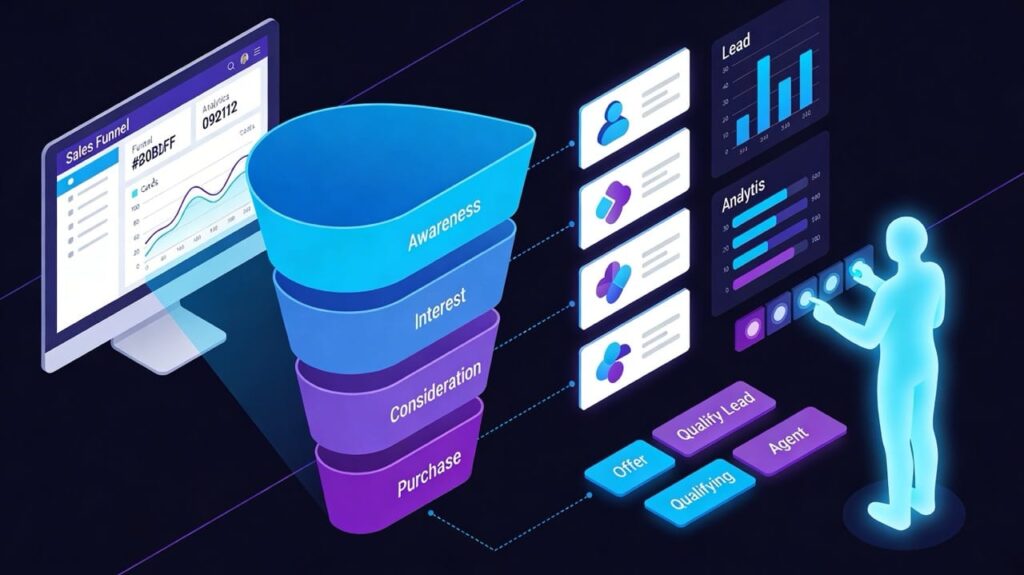
How this replaces a sales assistant
Instead of a sales rep manually noticing patterns and recommendations:
- The agent uses website behavior and past data to suggest the next step.
- It nudges visitors toward the right service or product without being pushy.
- It makes your funnels feel personal, even at small scale.
Content and SEO assistance
Keeping content fresh is hard when you’re busy.
Agents can help your site stay useful and visible without turning you into a full‑time writer.
On the content side, an agent can:
- Suggest new FAQs based on what visitors ask in chat.
- Propose internal links between related blog posts and service pages.
- Help outline and draft new content that answers real visitor questions.
On the technical/SEO side, an agent can:
- Flag outdated sections where policies, pricing, or services have changed.
- Suggest schema markup and on‑page improvements to help search engines understand your content better.
Analytics summaries and reporting
Instead of digging through dashboards:
- A reporting agent can watch events on your site and funnels.
- Each week, it can send you a short summary:
- How many leads came through.
- Which pages and campaigns converted best.
- Where visitors dropped off.
Layered with your CRM or booking data, this becomes your project manager for optimization:
- “Here’s what changed this week.”
- “Here are the three things worth improving.”
Real‑world website patterns for small businesses
Local service business (clinic, home services, salon)
Before
- Static contact page and phone number.
- Missed calls while the team is with clients or on site.
- Staff spend hours each week triaging emails and voicemails.
After
- Receptionist agent on the homepage and contact page:
- Greets visitors.
- Captures service type, location, and timing.
- Books calls or visits for qualified leads.
- Booking agent syncs with the calendar and sends reminders.
- Support agent answers simple questions about pricing ranges, insurances, or service areas.
Typical outcomes:
- Faster response times (minutes instead of hours).
- Fewer missed calls and manual callbacks.
- More complete information before each job or visit — so the team arrives prepared.
E‑commerce store or boutique retailer
Before
- Product pages are static.
- Customers email or call about sizes, shipping, or returns.
- Recovering abandoned carts is mostly guesswork.
After
- Sales assistant agent embedded in product pages and cart:
- Helps visitors pick the right product.
- Answers shipping and return questions in real time.
- Offers bundles or cross‑sells when it makes sense.
- Support agent handles order‑status questions and simple post‑purchase issues.
- Funnel automation follows up on abandoned carts with targeted reminders.
Typical outcomes:
- Higher conversion rate from existing traffic.
- Fewer support tickets for basic questions.
- Increased average order value from smart recommendations.
Agency, consultant, or professional services
Before
- Inquiries arrive as vague emails: “What do you charge?”
- Discovery calls require heavy note‑taking and follow‑up.
- Proposals take days to draft.
After
- Website discovery form with an AI agent:
- Asks focused questions about goals, budget, and timelines.
- Scores and routes leads into different pipelines.
- Call assistant summarizes discovery calls into clean notes, next steps, and action items.
- Proposal assistant assembles draft proposals from templates, ready for you to refine.
Typical outcomes:
- Cleaner pipeline, with clear “fit” vs “not fit.”
- Shorter time from first touch to proposal.
- Less time wasted on unqualified leads.
Choosing the right AI stack for your website
You don’t need to rip out your current tools.
Start from what you already use, then layer agents and automations on top.
Start from your current website platform
Different platforms give you different hooks:
- WordPress: Rich plugin ecosystem, form builders, and access to APIs and webhooks — great flexibility.
- Shopify: Strong e‑commerce focus with clear product and order data.
- Squarespace / Wix: Simpler, but still workable through forms, embeds, and external automation tools.
- Funnel builders / DevboOS: All‑in‑one stacks with built‑in forms, pipelines, and automations.
The key questions:
- How can we read data from this site? (forms, checkouts, chat logs)
- How can we write data back? (tags, custom fields, events)
- Which CRM, calendar, and email tools are already connected?
AI engines, agent platforms, and connectors
Behind each website agent, you’ll typically have:
- A core language model that understands and generates natural language.
- An “agent brain” that controls what tools it can use and what actions it may take.
- Connectors/automations (Make, Zapier, native integrations) that push and pull data from your CRM, calendar, and email tools.
For small businesses, the trade‑off is:
- All‑in‑one platforms: Faster to start, opinionated, but can be limiting later.
- Modular stacks: More control and flexibility, but more moving parts to configure.
Data sources and guardrails
Good agents are only as good as the content and rules you give them.
You’ll want to:
- Centralize facts: services, pricing ranges, policies, FAQs, product data.
- Define clear “allowed” and “not allowed” behaviors.
- Set escalation rules: “If you’re not sure, say this and hand off to a human.”
This is where many DIY attempts break — the tech works, but the instructions and data are fuzzy.
A solid implementation process saves you from painful mistakes.
90‑day roadmap: from static site to automated sales asset
This is a practical path you can follow — or hand to a partner like Devbo to implement for you.
Days 1–30: Foundation and one high‑impact agent
Focus: fix the biggest bottleneck in your website funnel.
Steps:
- Audit your current site:
- Where do leads or sales actually come from?
- Where do people drop off?
- Choose one high‑impact flow:
- Lead capture for a key service.
- Appointment booking for your main offer.
- Design a single agent to improve that flow:
- Questions it should ask.
- Fields it should capture.
- Where the data should go.
- Connect it to your CRM/calendar and launch on one or two pages.
- Track simple metrics:
- Form/chat completion rate.
- Number of qualified leads.
- Response times.
At the end of 30 days, you want one clear win:
“For this page and this flow, things are now faster and more reliable.”
Days 31–60: Expand coverage and add follow‑up
With your first agent working:
- Extend it (or add a sibling agent) to more entry points:
- Homepage, pricing page, key blog posts.
- Add structured follow‑up:
- Automatic emails/texts after someone chats or fills a form.
- Different sequences for qualified vs unqualified leads.
- Tighten the rules:
- Improve questions and routing based on real conversations.
- Fine‑tune escalation: when to bring in a human immediately.
Here, your website starts to feel like a coordinated receptionist + sales assistant, not separate tools.
Days 61–90: Personalization and analytics
Once the basics are stable:
- Add light personalization:
- Show different offers based on campaign source.
- Nudge returning visitors toward a “finish what you started” step.
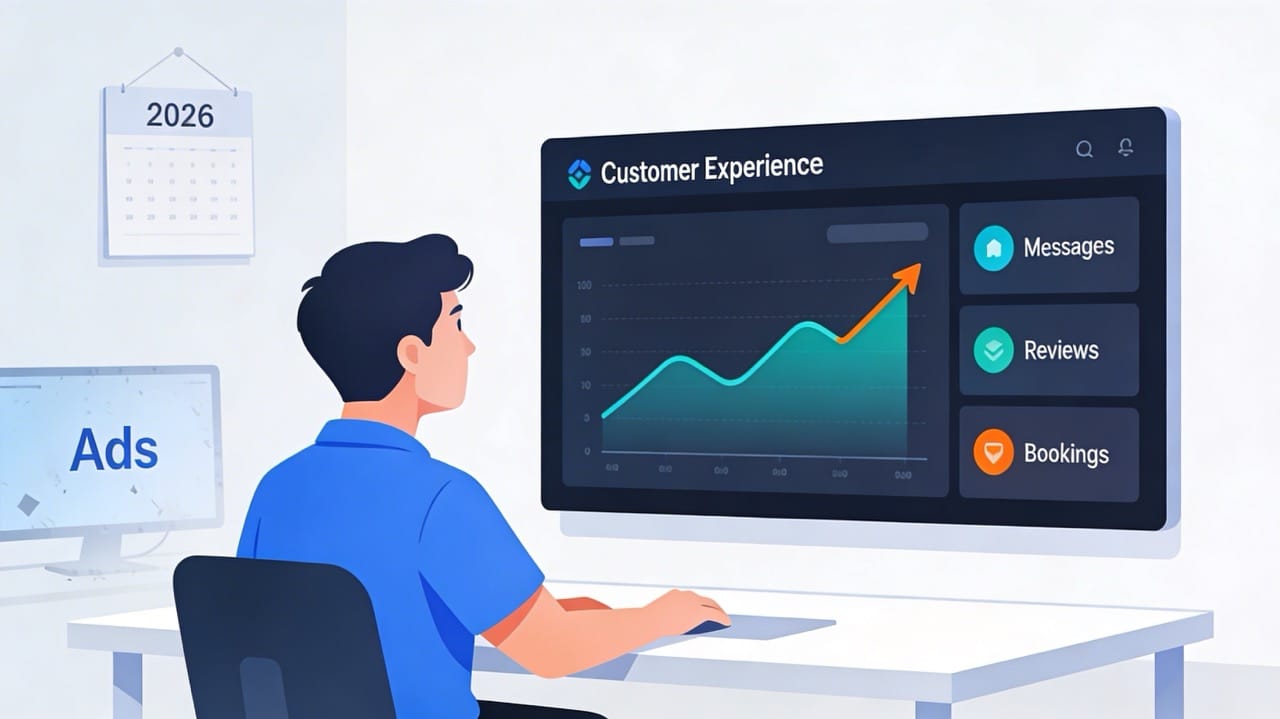
- Turn on weekly summaries:
- Short reports on site performance, lead quality, and drop‑off points.
- Decide what to double down on:
- Which flows to invest more in.
- Which experiments did not pay off.
By the end of 90 days, your website should:
- Capture and qualify leads more reliably.
- Handle a meaningful slice of receptionist, sales, and support work.
- Give you a clearer view of what’s happening in your funnels.
Risks, costs, and how to avoid common mistakes
Over‑automation and broken experiences
It’s possible to automate too much.
Watch out for:
- Agents trying to answer questions they’re not qualified to answer.
- Visitors stuck in loops with no clear way to reach a human.
- “Helpful” automations that ignore edge cases (e.g., emergency service calls).
Solution:
Start narrow, define clear boundaries, and keep a human‑in‑the‑loop path obvious.
Data privacy and compliance
Even small businesses need to protect customer data.
You’ll need to:
- Check where the data your agents see and send is stored.
- Avoid putting highly sensitive information (full card numbers, medical details) into systems that aren’t meant for it.
- Update privacy policies to reflect new tools and processes.
If you work in regulated spaces (healthcare, finance, legal), this is not optional.
Quality control and hallucination management
Poorly configured agents can:
- Provide outdated or inaccurate information.
- Make promises your business cannot keep.
- Confuse policies or pricing.
Avoid this by:
- Feeding agents a single, up‑to‑date source of truth.
- Testing with real‑world scenarios before going live.
- Logging and reviewing conversations regularly.
This is exactly where a partner like Devbo adds value — mapping your content, stack, and guardrails so you get the benefits without the headaches.
FAQs: AI agents and small‑business websites
1. What is an AI agent for a website?
An AI agent for a website is a digital assistant that connects to your site, data, and tools so it can answer questions, capture details, and take actions automatically — like booking appointments or creating CRM records — without manual intervention.
2. How can small businesses use AI agents to automate their websites?
Small businesses use agents to:
✅ Greet visitors and capture lead info.
✅ Qualify and route leads into the right pipeline.
✅ Book and manage appointments.
✅ Answer routine support questions.
✅ Suggest relevant services or products.
✅ Summarize activity for the owner each week.
3. Do I need coding skills to add AI agents to my site?
Not necessarily.
Many modern tools offer low‑code or no‑code interfaces and plugins, especially for WordPress, Shopify, and major funnel builders, but complex stacks or regulated industries usually benefit from expert help.
4. How much does it cost to automate a small‑business website with AI agents?
Costs vary based on:
✅ Number of agents and complexity.
✅ Which tools you choose (platform vs modular stack).
✅ Whether you implement it yourself or hire a specialist.
For most small businesses, the monthly cost is usually far lower than hiring even one additional part‑time receptionist or support rep — especially when you factor in 24/7 coverage.
5. Which website platforms work best with AI agents?
Platforms that offer:
✅ Access to form data and events.
✅ Plugin or app ecosystems.
✅ API or webhook connections.
WordPress, Shopify, Squarespace, Wix, and funnel platforms like DevboOS all support effective automation with the right connectors and setup.
6. Will AI agents replace my staff or my agency?
For small businesses, agents typically replace tasks, not people.
They handle repetitive receptionist, sales assistant, support, and project‑management work so your team can focus on high‑value conversations, fulfillment, and growth.
7. How long does it take to see results from website automation?
If you start with one high‑impact flow and a focused agent, you can usually see measurable improvements in lead capture or response time within 30–60 days, with deeper gains as you roll out the full 90‑day plan.
8. What are the biggest risks of using AI agents on my website?
The biggest risks are poor configuration and lack of oversight:
❎ Wrong or outdated information given to visitors.
❎ Over‑automation with no clear path to a human.
❎ Data sent to tools that aren’t secure or appropriate.
These risks are manageable with good architecture, clear rules, and ongoing monitoring — exactly the areas where an experienced implementation partner earns its keep.
DIY vs partnering with an agency
When DIY makes sense
You may be a great fit to do this yourself if:
- Your site is simple and low‑traffic.
- You enjoy experimenting with tools.
- You have time each week to test, monitor, and maintain agents.
In that case, start with one page and one flow, as outlined above.
There’s no need to automate everything at once.
When to bring in experts
It’s worth partnering with a specialist if:
- Your website already drives a meaningful amount of revenue or leads.
- You’re in a regulated or complex industry.
- You use multiple tools (CRM, booking, email, invoicing) that all need to talk to each other.
- You want results in 90 days, not a year of trial and error.
An experienced team can:
- Design an architecture that fits your current stack.
- Implement agents that truly replace receptionist, sales, support, and light project‑management work — safely.
- Measure the impact on leads, time saved, and revenue.
If you’d like your website, funnels, and automations to behave more like a trained team and less like a static brochure, talk with Devbo about your own AI Website Automation Plan.